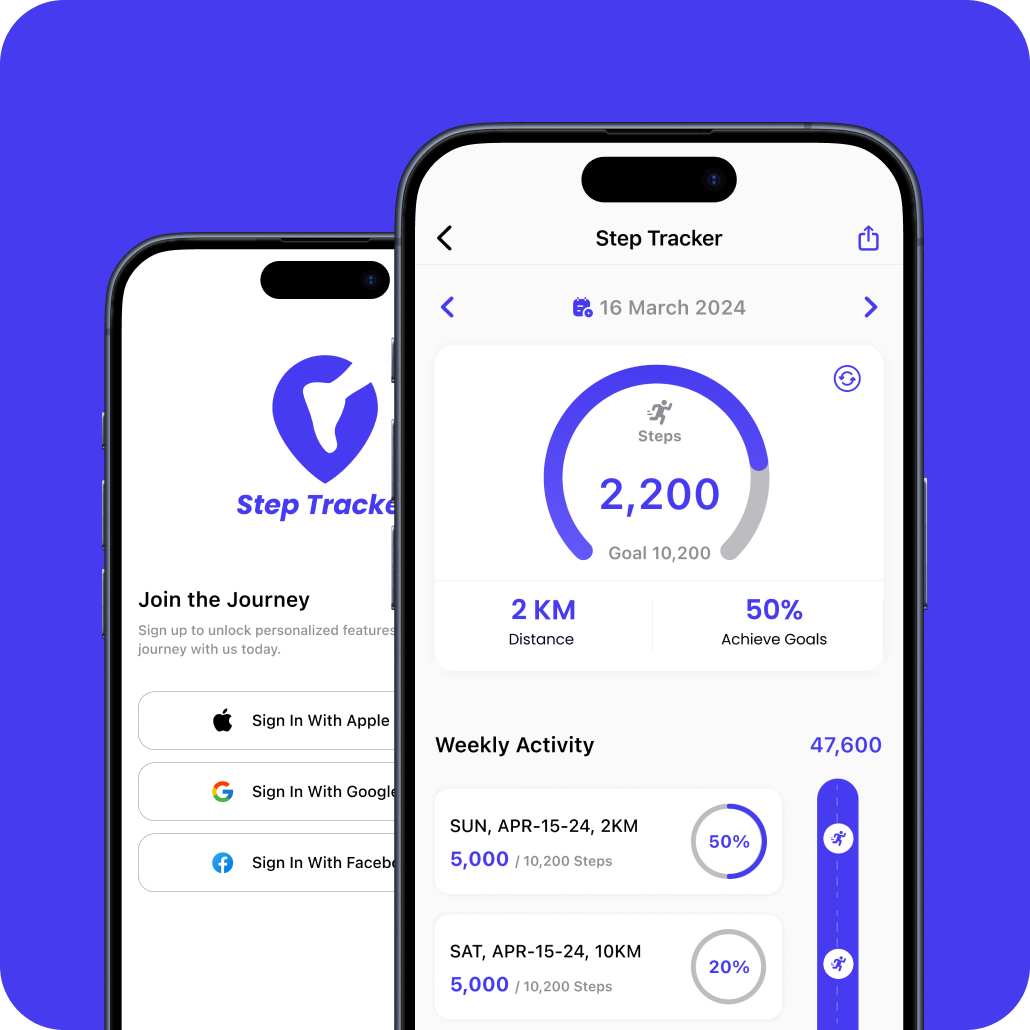
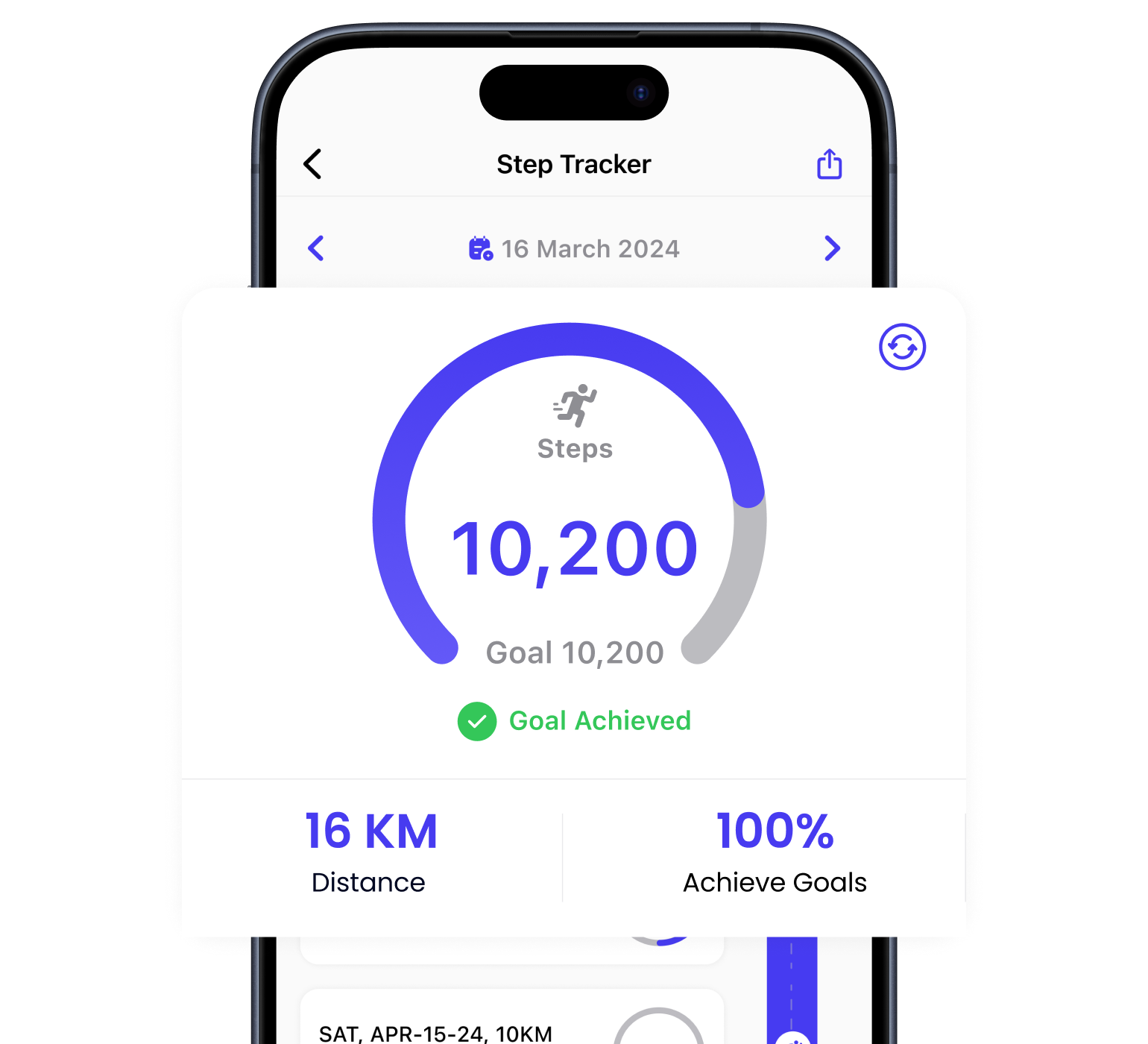
Step Tracker counts your steps straight from your phone, so it works on its own with nothing else to set up. Connect Health Connect on Android or Apple Health on iPhone and it can bring in steps from your watch and other fitness apps too. Set a goal, watch your progress, and stay active.

Everything you need to stay on top of your daily movement, with no account required to get started.
Step Tracker counts your steps automatically in the background using your phone's built-in sensor, along with distance, calories and how close you are to your daily goal.
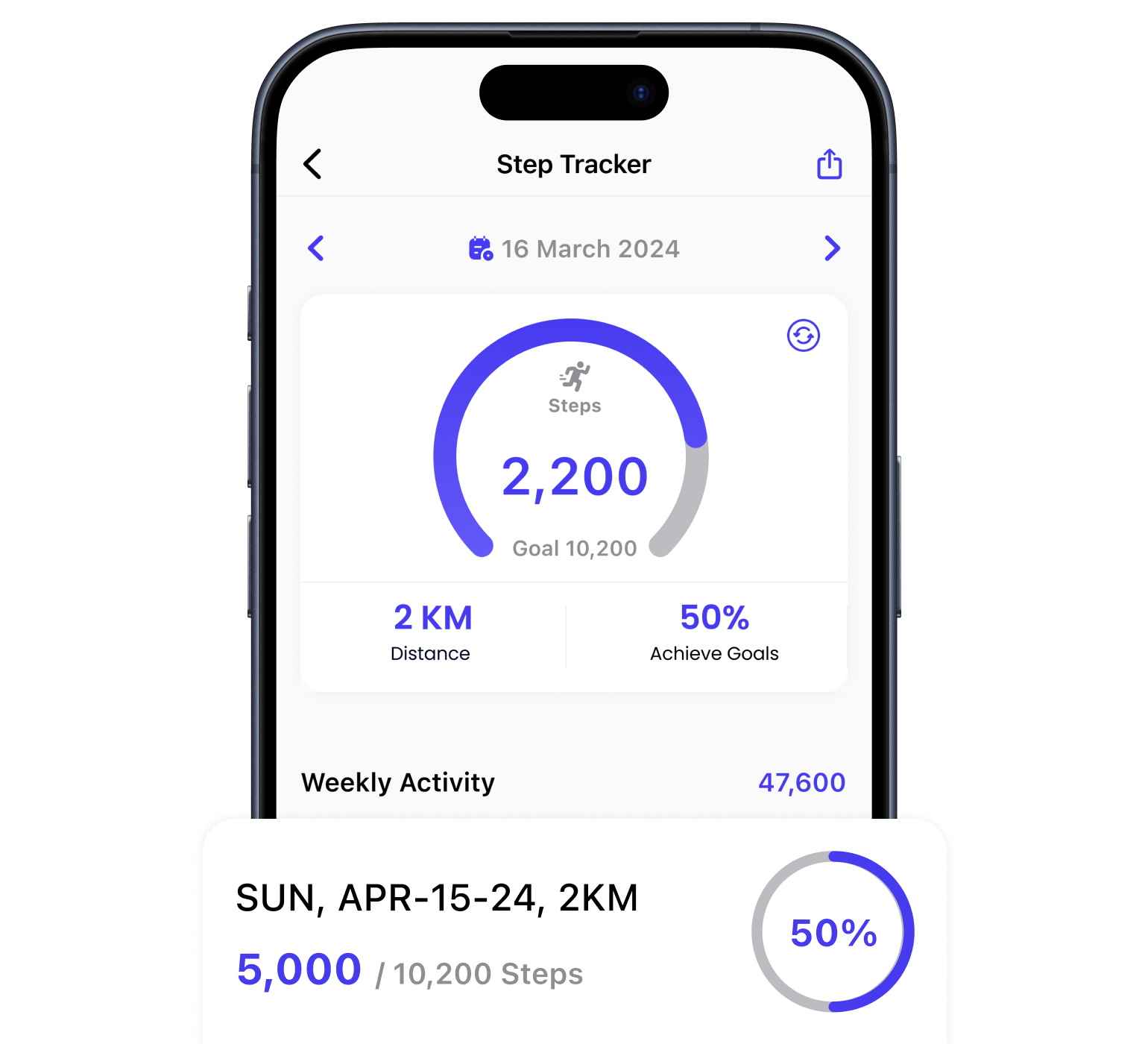
See your activity day by day and week by week in clear charts, with step count, distance and goal progress so you can spot your trends at a glance.
Just install Step Tracker and allow the physical activity permission when it asks. That is all that is needed – your steps start counting straight away. You can set your daily goal at any time from the home screen.
You do not need it. Health Connect is optional, and it is useful if you want Step Tracker to include steps recorded by your smartwatch or another fitness app. Without it, Step Tracker uses your phone's own step sensor.
Yes. On iPhone, Step Tracker uses the motion sensor built into your device and can also connect to Apple Health, so steps recorded by your iPhone or Apple Watch are included.
Yes. Step Tracker works fully without Health Connect – it counts steps using the sensor in your phone. Connecting Health Connect is optional and simply lets the app include steps from your watch or other apps.
Step Tracker needs the physical activity permission (called Motion & Fitness on iPhone) to count your steps. Everything else is optional: notifications for goal reminders, Health Connect or Apple Health to include steps from other apps and devices, and location only if you choose to share a map of your walk.
Your daily step count, the distance you covered, estimated calories burned and your progress towards your daily goal, together with your history so you can view earlier days and weeks.
First check that the physical activity permission is still granted in your phone's settings, and that battery optimisation is not stopping Step Tracker from running in the background. If you use Health Connect or Apple Health, confirm Step Tracker still has permission to read steps there.
If you have connected Health Connect or Apple Health, open it and check that Step Tracker is still allowed to read step data, then reopen Step Tracker and pull down to refresh. If you have not connected either, no syncing is needed – your steps come directly from your phone.